AI Clothes Changer

Try on any outfit from a single photo

Upload a photo, describe an outfit, and let AI dress you in seconds. Free to try — no design skills needed.

Upload a person photo(0/1)
Upload a clothing item(0/1)

The AI declines nude or lingerie edits of a real person — dresses, suits, streetwear and traditional outfits all work.

Sign up for 3 free images

Create a free account and get 3 credits — enough for 3 try-on images. No credit card required.

Sign up free

How it works

1. Upload a clear photo of yourself (or a model).

2. Optionally upload a garment, or just describe the outfit you want.

3. Click change — get a photorealistic result in seconds.

See real results

The images below are unedited outputs from the tool on this page — no Photoshop, no hand-picking. The starting photos are sample inputs, not customer uploads.
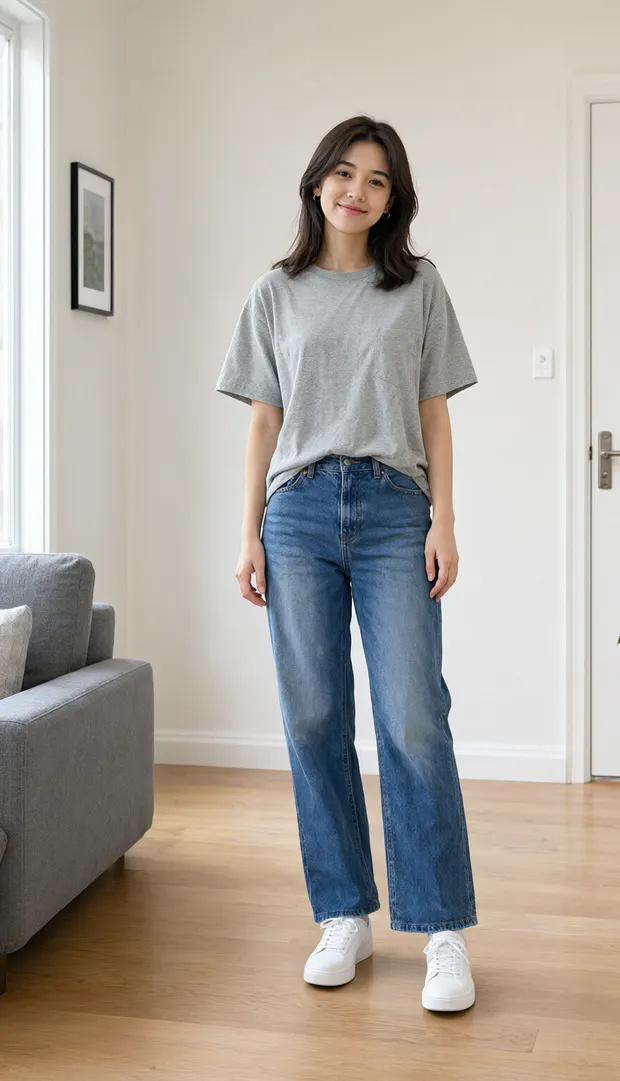
Grey tee + jeans → beige linen midi dress — beforeBefore
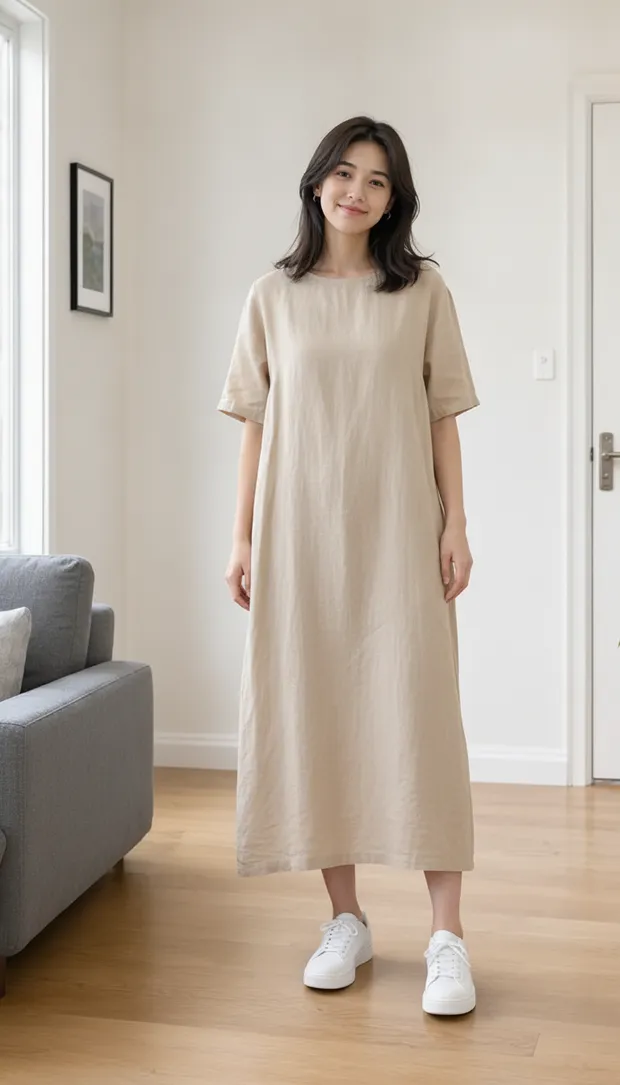
Grey tee + jeans → beige linen midi dress — afterAfter
Grey tee + jeans → beige linen midi dress
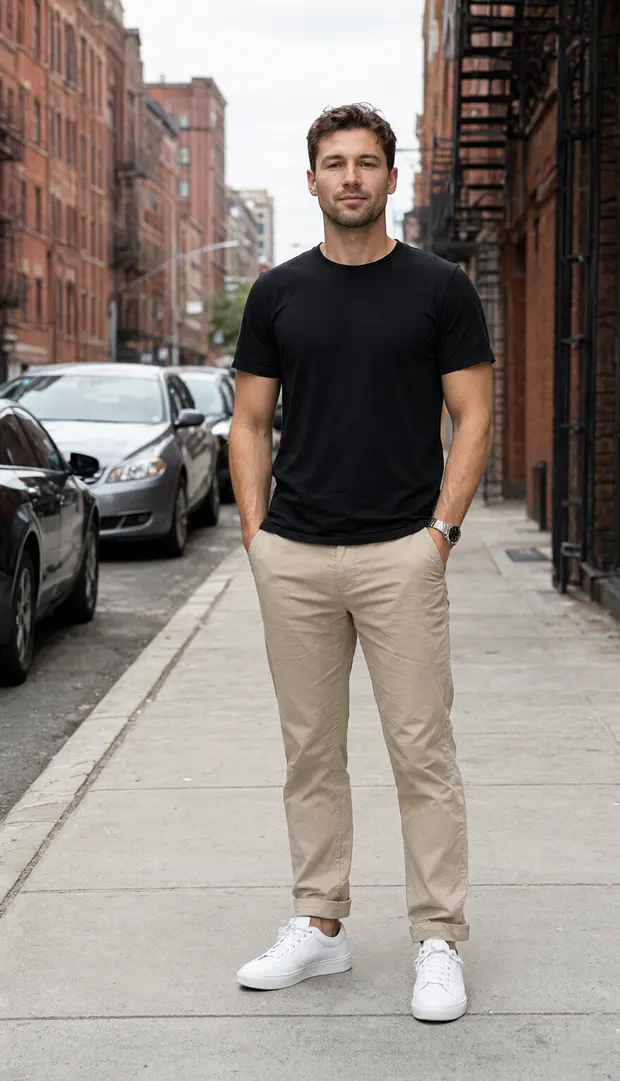
Black tee → navy tailored suit — beforeBefore
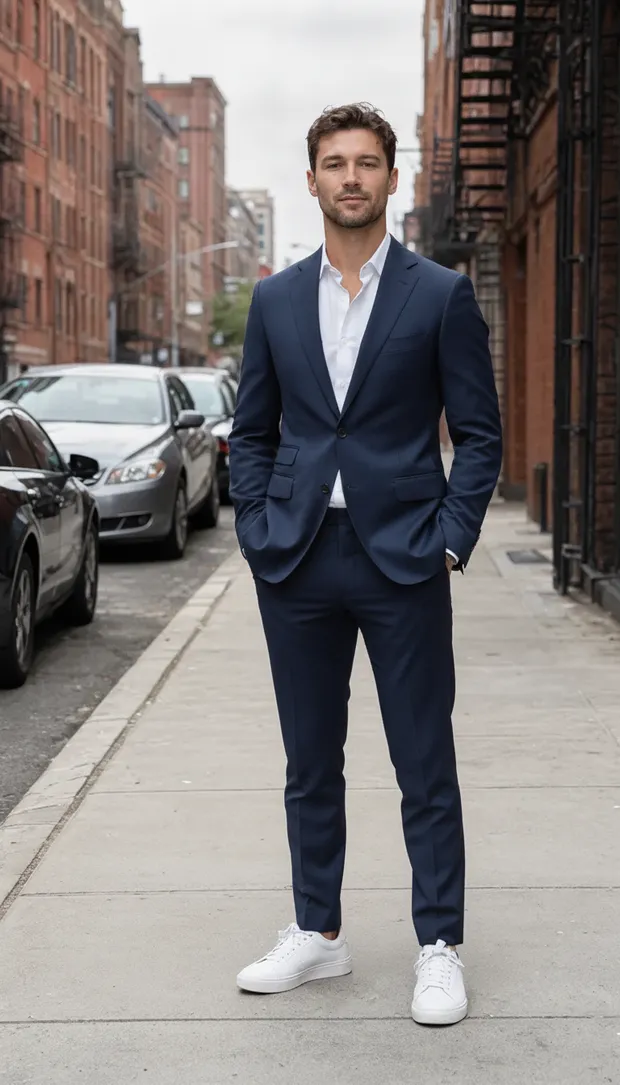
Black tee → navy tailored suit — afterAfter
Black tee → navy tailored suit
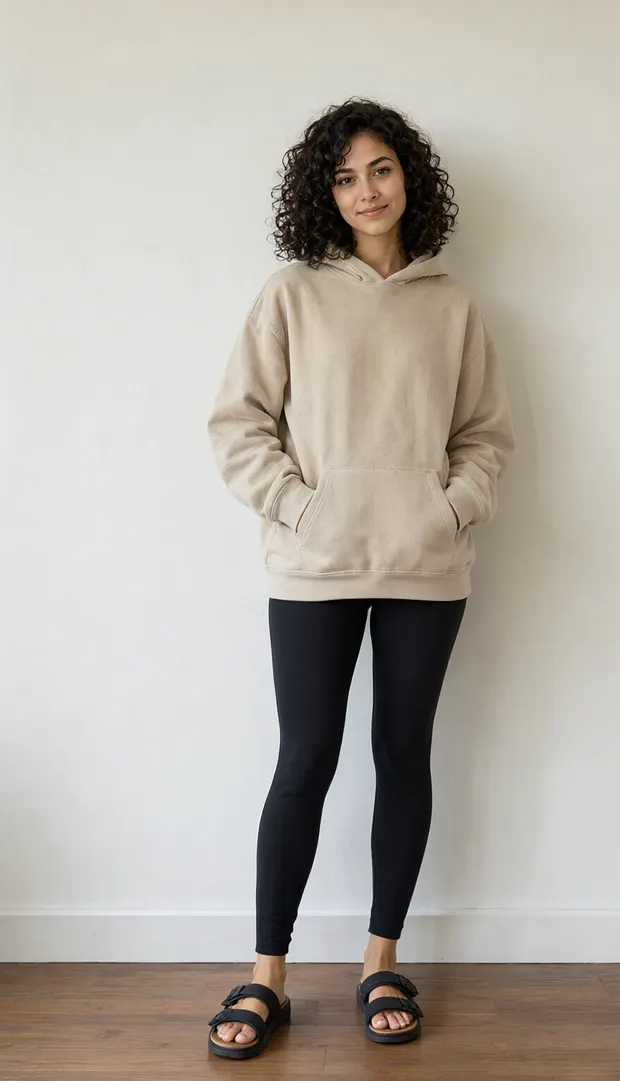
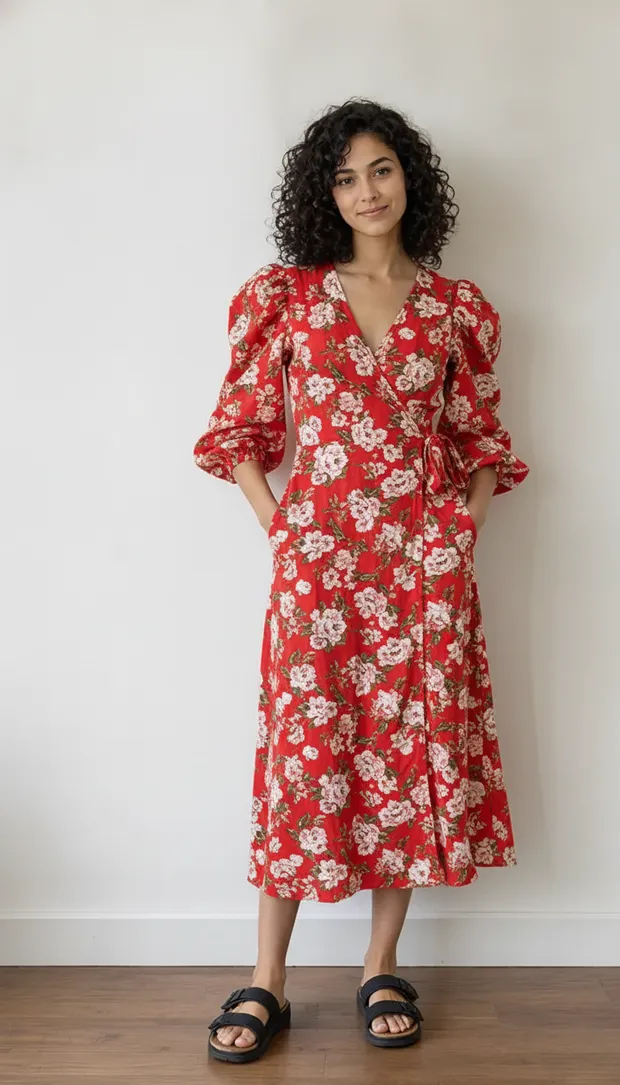
Oversized hoodie → red floral wrap dress — beforeBefore
Oversized hoodie → red floral wrap dress — afterAfter
Oversized hoodie → red floral wrap dress

AI clothes changer, AI try-on, virtual try-on — one tool, three names

People search all three phrases for the same job: take a photo of a real person and put different clothing on them, keeping the face, body shape, pose and background. Attiro does that in one place — upload a photo, describe the outfit or attach a garment image, then download the result. There is no separate try-on mode to hunt for, and an AI try-on of clothes and a virtual try-on of clothes are the same generation here.

Clothes swap vs virtual try-on: what actually differs

Both put different clothing on a real person in a photo, and on Attiro both run on the same model at the same price — 1 credit per image. What differs is the material you start with and the question you want answered.

What you start with
Clothes swapA photo of a person already wearing something — a selfie or a full-body shot.
Virtual try-onA specific garment you are considering: a product photo, flat lay or hanger shot, plus a photo of the person who will wear it.
What you ask for
Clothes swapA different look described in words: "a navy tailored suit", "a red floral wrap dress".
Virtual try-onThat exact item on that exact body — you supply the garment image instead of a description.
What stays unchanged
Clothes swapFace, body shape, pose, lighting and background. The edit is scoped to the clothing.
Virtual try-onThe same — the garment itself comes from the image you uploaded.
Question it answers
Clothes swap"What would I look like in a completely different style?"
Virtual try-on"How does this dress look on me before I buy it?"
Where to run it
Clothes swapThe AI clothes changer: type the outfit, or attach a garment photo.
Virtual try-onThe same AI clothes changer when you have a photo of a person. If you only have a flat product shot and need an on-model listing photo, that is AI Fashion Photography.

Reach for a swap when you want outfit ideas, styling or content and you are happy to describe the look. Reach for a try-on when a specific item is already in your cart and you want to see it on yourself. Sellers turning flat lays into listing photos are the third case. All three cost 1 credit per image, download without a watermark, and stay in Settings → My Images until you delete them.

Frequently asked questions